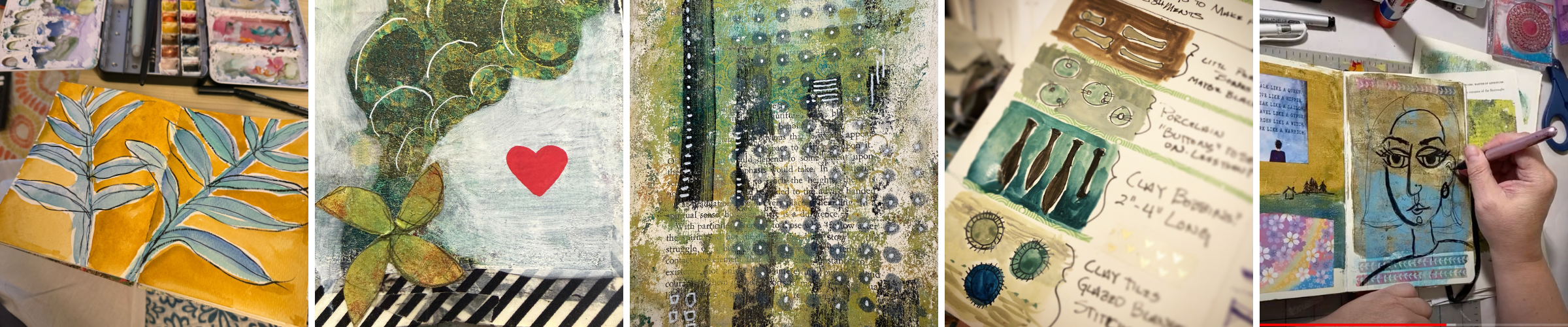
Day 32
August 25: Taming the chaos
To see the live chat in real time watch this video on YouTube here.
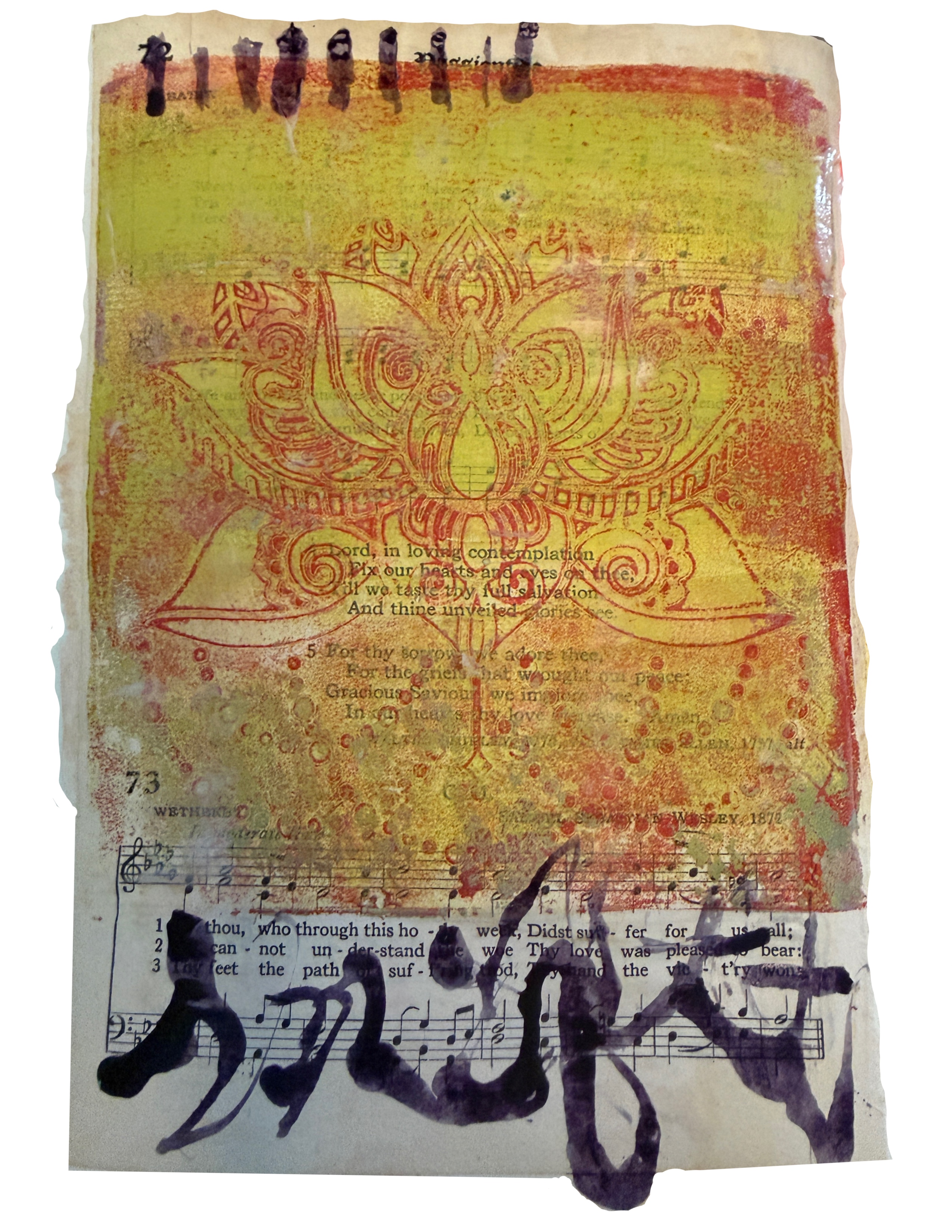
Download and print
- Right-click (or control click for mac, press and hold on mobile) on the image and choose "Save Image As" (or "Download Image").
- Save it to a folder you'll remember — like "Day 1 Journal Files."
- Open the saved JPEG and print at 100% / actual size (not "fit to page") so nothing gets cropped or stretched.
- Print on whatever paper you're testing today — plain, cardstock, watercolor, whatever's on hand.
Tip: if the image opens directly instead of downloading, just right-click anywhere on it for the save option.
This is actually the acrylic ink I used, I love that dark purple, but it was actually a muted grey.
This brush pen
This white paint pen
This matte medium